
How to Play Clean the WORLD
First-session loop for the Bring Back Old Robloxians garbage collector.
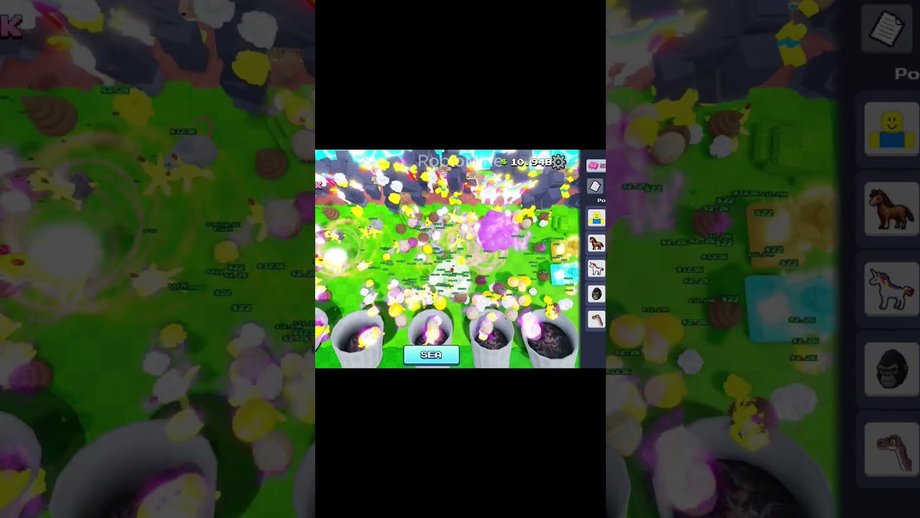
Clean the WORLD! is an incremental Roblox simulator from Bring Back Old Robloxians. Your job is simple on paper and sticky in practice: the planet is filling with trash, and you earn progress by collecting garbage, buying upgrades, and unlocking named eras. This how-to-play guide is written for place ID 105767799784652 (universe 10494847029). Ignore same-title experiences that sell washers, pets, or spray cleaning—those belong to other creators such as Chaseroony.
Confirm you joined the right place
Before you optimize anything, open the Roblox page titled Clean the WORLD! under Bring Back Old Robloxians and verify the place ID ends in 105767799784652. Community clips sometimes reuse the title for unrelated clean-up games. If the description mentions Prestige free upgrades, SEA seagulls and shredder tools, Underground Chapter 3, and Outer Space Chapter 4, you are in the correct experience.
Core loop in one session
- Spawn and survey the nearest polluted clusters. Early trash piles teach pickup range and movement without punishing you for wandering.
- Collect garbage continuously. Currency and progress come from cleanup volume, so idle walking without grabs wastes the session.
- Open the upgrade panel as soon as you can afford the cheapest multipliers. Incremental games reward early efficiency purchases more than hoarding raw cash.
- Watch for era transitions. Named badges such as WELCOME and Cenozoic signal that the map or creature set is expanding—pause to re-read tooltips when the UI changes.
- Reinvest earnings into pickup speed, capacity, or shredder-style tools once SEA content appears, then decide whether you are close enough to Prestige goals.
Treat each short session as a closed loop: collect, spend, unlock, repeat. Long AFK stretches without upgrades usually fall behind active cleaners who reinvest every few minutes.
Controls and platform notes
Roblox supports PC, mobile, and console through the same place. On PC, keep camera sensitivity low enough to spot ground trash and floating debris near water. On mobile, prefer a comfortable thumb reach so you can move and interact without covering the upgrade buttons. Server population caps at seven players on the live universe listing, so expect intimate lobbies rather than megaservers. Dedicated camera and platform notes: Controls. If a server feels dead, hop once, then commit—constant hopping resets your visual map knowledge.
Early upgrade priorities
Spend first on anything that increases collection rate or reduces travel between piles. Capacity upgrades matter once piles start despawning or you are forced to bank mid-route. Cosmetic spends can wait. After the Prestige update messaging, former Robux gates are intended to be reachable through play, so do not assume a paid shortcut is required to finish early eras. For a deeper spend order, continue in Progression Guide.
Eras, SEA, and badges while learning
You do not need every badge on day one, but you should recognize names so YouTube titles make sense. WELCOME is the onboarding stamp. Cenozoic, Mythological Creatures, Miocene, and Mesozoic mark prehistoric and creature-themed stages. SEA introduces ocean cleanup with seagulls and shredder tools. TIME TRAVELER and Turtles Don’t Eat Plastics Silly are longer-tail goals. Full checklist living notes sit on Eras and Badges, and SEA specifics live on SEA Update Guide.
Prestige awareness for beginners
Even brand-new players should skim How to Prestige so they do not panic when menus mention Prestige. The update pitch is anti-paywall: more upgrades, balancing, and free paths into systems that once required Robux. Prestige is not a beginner requirement, but knowing it exists helps you avoid dumping resources into temporary boosts right before a reset window if the live game presents one.
Codes and free gifts
Many Roblox simulators ship Twitter bird code boxes. For this place, we have not verified an active redeem UI or working strings. Read Active Codes and How to Redeem Codes for honest status instead of pasting codes from unrelated cleaning games.
Common beginner mistakes
- Joining the wrong Clean the WORLD title and wondering why washers appear instead of garbage eras.
- Saving currency for a huge late purchase while cheap multipliers sit unbought.
- Ignoring SEA tools after unlocking water routes, then blaming the game for slow ocean clears.
- Chasing unverified codes instead of collecting trash for twenty focused minutes.
- Skipping badge names, then failing to track which era you already finished.
What to do after the tutorial hour
When you can clear a starter cluster without thinking, switch to structured goals in Progression Guide. If seagulls or shredders already appear in your build, prioritize SEA Update Guide. When upgrade text references Prestige or free former Robux perks, open How to Prestige. Keep this how-to-play page bookmarked for friends who need the place ID and loop summary without the full endgame checklist. Return to the Guides Hub whenever you need the full map of tutorials.
Frequently Asked Questions
Quick answers about Prestige, SEA, badges, and codes.
What is the main goal in Clean the WORLD?
Collect garbage, buy upgrades, and unlock eras to clean a polluted world in this incremental Roblox simulator.
How do I know I am on the correct game?
Confirm Bring Back Old Robloxians and place ID 105767799784652—not Chaseroony washer games.
Should beginners Prestige immediately?
No. Learn the loop first, then read How to Prestige before any reset-style choice.
Where do SEA seagulls and shredders fit in?
They belong to the SEA chapter. Details are on SEA Update.
Are there beginner codes?
None verified for this place. See Active Codes for current status.
What should I read next?
Continue with Progression and the Guides Hub.