
Clean the WORLD Player Tools
Plan cleanup sessions with measured pace instead of guesswork.
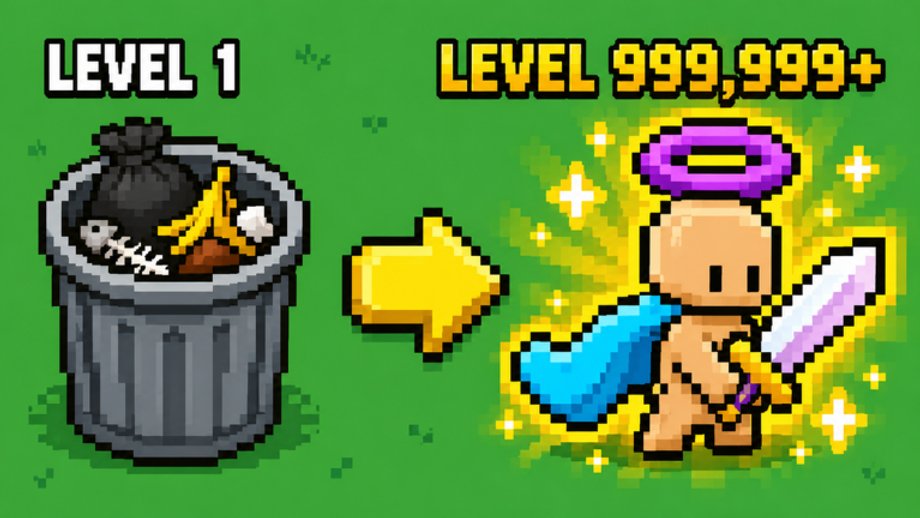
This Tools Hub collects practical planners for Clean the WORLD! by Bring Back Old Robloxians (place ID 105767799784652). The experience is an incremental garbage-collection simulator: you clear pollution, unlock eras and creature helpers, spend gum into skill-tree nodes, and push toward SEA content such as seagulls and the shredder. Tools here do not read your Roblox account. They turn numbers you observe in a session into honest time estimates so you can decide whether to grind now, claim codes, or read a guide first.
Why a tools section exists
Clean the WORLD rewards long sessions, but the UI does not always show a transparent clock for “minutes until my next unlock.” Prestige made former Robux upgrades obtainable for free-to-play players, which changed how people budget time versus Robux. SEA added more systems to watch. Chapter 3 Underground and Chapter 4 Outer Space are announced without dates. A planner that uses your observed pace stays useful across those shifts because it never invents hidden multipliers.
Use tools when you:
- Know a numeric garbage or cleanup total on screen and a target you care about
- Can time one focused minute of play without switching tabs
- Want session counts for short evening logins versus a weekend grind
- Need a sanity check before buying a Game Pass that may be cosmetic or a soft boost
Skip tools when you only need story context—then start from the Updates Hub or the Links Hub instead.
Featured planner
The primary tool is the Cleanup Calculator. It asks for current garbage, target garbage, observed pace per minute, minutes per session, and an optional adjustment factor. The formula is visible on the page: remaining work, effective pace, estimated minutes, and whole sessions. Measure pace yourself after Prestige or SEA changes; do not copy someone else’s rate from a video without re-timing.
How tools fit the rest of the wiki
- Guides Hub — onboarding and mechanic explanations that teach what to measure
- Codes Hub — promo status before you assume a code will shorten a grind
- Tier List Hub — readiness notes for upgrades and creatures, without fake S-tier stats
- Updates Hub — Prestige F2P shift, SEA names, and roadmap honesty
- Links Hub — place-ID verification so you never plan for the wrong Clean the WORLD
Good measurement habits
- Confirm you are on place
105767799784652by Bring Back Old Robloxians, not a same-name listing. - Pick one counter (total garbage cleaned, or the milestone number you are chasing).
- Play normally for sixty seconds and record the delta.
- Repeat after a major unlock (new helper tier, SEA unlock, Prestige-related buy) because pace drifts.
- Feed the average into the calculator, then round sessions up so plans stay realistic.
What this hub will not do
We will not ship auto-clickers, exploit scripts, or “guaranteed” time-to-prestige claims. Script safety belongs on the Scripts Hub with clear warnings. Ranking pages stay conceptual when stats are unpublished. Community Discord or Trello invites appear only when verified—see community links.
Keep this hub bookmarked next to the calculator. When the game title flips between Prestige and SEA marketing text, re-measure pace, then recalculate. That loop is more reliable than chasing viral number screenshots.
Frequently Asked Questions
Quick answers about Prestige, SEA, badges, and codes.
Which tool should I open first?
Start with the Cleanup Calculator if you already have a numeric target. If you are still learning systems, read the Guides Hub first, then return here with a measured pace.
Do these tools connect to Roblox?
No. Every input is typed by you from on-screen counters. Nothing logs into your account or scrapes private data.
Why re-measure after Prestige or SEA?
Prestige opened former Robux upgrades to F2P players and SEA added seagulls, shredder loops, and more upgrades. Observed garbage per minute usually changes after those unlocks.
Can I use someone else's pace from a video?
Only as a rough curiosity check. Re-time one minute on your own setup; hardware, helpers, and upgrades make copied rates unreliable.
Where do I verify I have the correct game?
Use the identity guide under Links: creator Bring Back Old Robloxians and place ID 105767799784652. Exclude same-name Chaseroony experiences.